Rush Sports logo
MarketsLPLeaderboardHow it Works
  1. Home
  2. /Blog
  3. /How to Connect Phantom Wallet to Rush Sports (Step-by-Step)
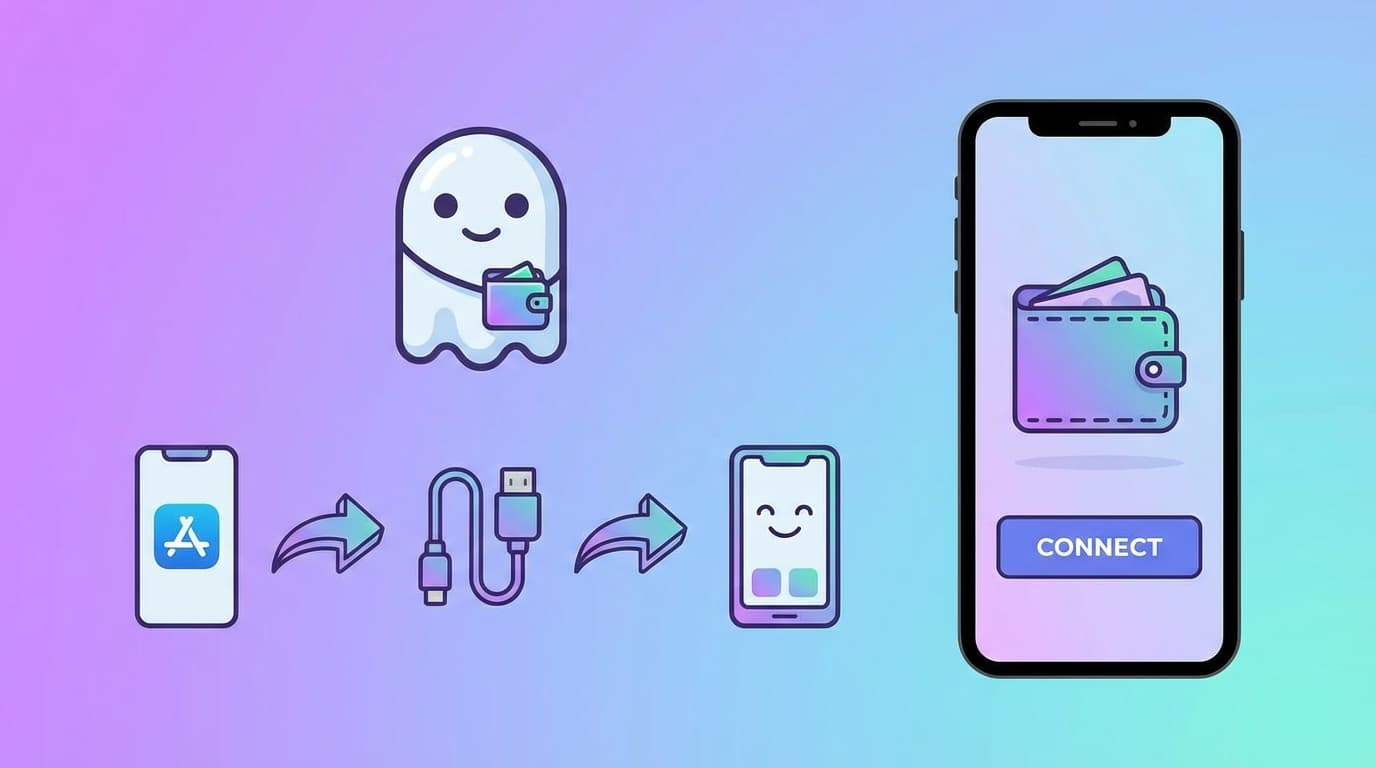
How to Connect Phantom Wallet to Rush Sports (Step-by-Step) hero image

How to Connect Phantom Wallet to Rush Sports (Step-by-Step)

tutorials · Published 2026-02-22 · Updated 2026-02-22 · 5 min read

tutorialswallettutorialssolana

I'm going to save you from the mistakes I made when I first set up crypto betting. Like when I almost downloaded a fake Phantom wallet from a scam website. Or when I stored my seed phrase in my Notes app (please don't do this). Or when I connected to a "sportsbook" that drained my wallet the moment I approved a transaction. This guide is everything I wish someone had told me before I touched live betting. Let's get you set up properly.

Primary keyword: Phantom wallet

Share This Guide

Share on XShare on Telegram

Editorial Review and Trust

Written by Rush Sports Research Team (Editorial and Market Education). Published 2026-02-22 and reviewed 2026-02-22.

Content is educational, not legal or financial advice. Verify jurisdiction rules and platform terms before wagering.

Safety ControlsSettlement RulesEditorial Updates

Table of Contents

  1. Step 1: Install Phantom (The Right Way)
  2. Step 2: Create Your Wallet and Secure Your Seed Phrase
  3. Step 3: Fund Your Wallet
  4. Step 4: Connect to Rush Sports
  5. Step 5: Fund a Session
  6. Step 6: Place Your First Round
  7. Step 7: After Your Session
  8. Ongoing Wallet Security
  9. Common Mistakes to Avoid
  10. You're Ready

Step 1: Install Phantom (The Right Way)

This is where most people screw up.

Fake Phantom websites look identical to real ones. They'll steal your funds the moment you create a wallet.

Only download from:

Check the URL twice. Check the developer name. Be paranoid. The two minutes of caution are worth not losing everything.

  • phantom.app (type it directly, don't click links)
  • Official app stores (verify the developer is "Phantom Technologies")

Step 2: Create Your Wallet and Secure Your Seed Phrase

When you create a new wallet, Phantom gives you a 12-word seed phrase. This is your master key.

Treat it like cash in an envelope:

Do not:

I don't care if "Phantom Support" DMs you. I don't care if a "Rush Sports admin" says they need it. No legitimate service will ever ask for your seed phrase. Anyone who asks is trying to rob you.

  • Write it on paper (yes, actual paper)
  • Store the paper somewhere secure (safe, lockbox, etc.)
  • Never share it with anyone
  • Never enter it into any website or app except Phantom itself
  • Screenshot it
  • Email it to yourself
  • Store it in cloud notes
  • Tell anyone what it is, ever

Step 3: Fund Your Wallet

You'll need SOL to play on Rush Sports. Here's how to get it:

Option A: Buy on an exchange and send

Option B: Buy directly in Phantom

Important: Start small. Don't fund your wallet with $5,000 before you've ever made a single bet. Fund with what you're comfortable losing while you learn.

  • Buy SOL on Coinbase, Kraken, Binance, etc.
  • Copy your Phantom wallet address
  • Withdraw to that address
  • Wait for confirmation (usually a few minutes)
  • Phantom has a "Buy" button built in
  • You can use card or bank transfer through their partners
  • Convenient but sometimes higher fees

Step 4: Connect to Rush Sports

Now for the actual connection:

1. Go to rushsports.xyz (again, type it directly—don't trust links)

2. Click "Connect" in the header

3. Select "Phantom" from the wallet options

4. A Phantom popup will appear asking you to approve the connection

BEFORE YOU CLICK APPROVE:

5. After connecting, verify your wallet address in the app matches your Phantom address

If anything looks off, disconnect and start over. Better safe than drained.

  • Check the domain shown in the popup (should be rushsports.xyz)
  • Make sure you're only approving "connection" not some weird permission
  • Read what you're approving

Step 5: Fund a Session

Rush Sports uses session-based funding for speed. Here's how it works:

1. Click to fund a session

2. Choose how much SOL to load (start small!)

3. Approve the transaction in Phantom

4. Your session balance appears in the app

This session balance is what you'll bet with. When the session ends, you can withdraw any remaining funds back to your wallet.

First-timer advice: Load 0.1-0.5 SOL max for your first session. You're learning the interface, not trying to get rich today.

Step 6: Place Your First Round

Okay, you're funded and ready. Here's how to not mess up your first bet:

1. Pick one market (whatever sport is live)

2. Pick one mode (I'd suggest 1-minute for beginners)

3. Set your stake at the minimum or near it

4. Watch the live odds for a minute before betting

5. When you see a setup you like, make your prediction

6. Wait for the round to settle (it's fast)

Don't try to analyze. Don't try to optimize. Just execute one round and see how it feels. You can get strategic later.

Step 7: After Your Session

When you're done:

1. Review your rounds in session history

2. Withdraw remaining balance back to your wallet

3. Disconnect the app if you want (optional but some people prefer it)

4. Check your Phantom balance to confirm funds returned

Then take notes. What worked? What didn't? What confused you?

Ongoing Wallet Security

This isn't one-and-done. Good wallet hygiene is ongoing:

Weekly:

Per session:

General:

  • Check connected apps in Phantom (revoke any you don't recognize)
  • Verify your balance looks correct
  • Update Phantom if there's a new version
  • Verify the site domain before connecting
  • Read any approval prompts before clicking
  • Don't connect while distracted or drunk
  • Use a dedicated betting wallet (not your life savings wallet)
  • Consider a hardware wallet for large holdings
  • Stay skeptical of anything asking for permissions

Common Mistakes to Avoid

Rushing through approvals. Scammers count on you clicking fast. Slow down.

Using one wallet for everything. Separate your betting funds from your serious holdings.

Ignoring updates. Wallet updates often include security fixes. Keep Phantom current.

Storing seed phrase digitally. I know I've said this three times. I'll say it again. Paper only.

You're Ready

If you followed this guide, you've got:

Now go place some bets. Start in demo mode if you want to practice. Then go live with small stakes until you're comfortable.

→ Connect to Rush Sports now (https://rushsports.xyz/markets) and start your first session.

---

  • A properly secured Phantom wallet
  • Funds ready to go
  • A safe connection to Rush Sports
  • The knowledge to not get scammed

FAQ

Can I use Phantom on mobile and desktop?

Yes, but keep your operational flow consistent and verify account context before each session.

What should I do if a prompt looks unfamiliar?

Reject it immediately and verify the site domain and requested action before trying again.

Should I start in live mode or demo mode?

Start in demo mode first, then move to live with a small controlled session balance.

What is the most important wallet safety rule?

Never share your seed phrase. Any request for it is a scam, regardless of who is asking.

Related Links

Related topic: Crypto Betting Foundations

Open Crypto Betting Foundations hubLegal and safety guide hubBrowse live marketsRead gameplay rulesExplore sports guides

Related Articles

Solana Betting Explained: Why Speed Actually Matters

4 min read

Read article

The No-BS Guide to Crypto Sports Betting in 2026

5 min read

Read article

Solana vs Ethereum for Live Sports Betting

4 min read

Read article
Rush Sports icon

RUSH SPORTS

A mobile-first, on-chain sports prediction game on Solana with two modes: Up/Down (1 minute) and Tap 2 Predict (30 second windows). Live odds and transparent settlement.

Play responsibly. Do not stake more than you can afford to lose. This product is in active development and may change without notice.

Product

MarketsLeaderboardLiquidity PoolHow it WorksSports PagesGuidesLegal & Safety HubBlog

Community

XInstagramDiscord

Blog and Guides

The blog is organized into pillar guides and supporting strategy articles across core topics.

Each article includes clear section hierarchy and internal links for easier reading and navigation.

FAQ

What is a pillar article in this blog?

A pillar article is a comprehensive guide targeting a primary high-value keyword with deep supporting sections and linked subtopics.

How are blog topics selected?

Topics are selected around core user needs such as crypto sports betting, Solana operations, live odds decisions, and on-chain settlement.

Why include FAQs in blog posts?

FAQs help address People Also Ask intent and improve content completeness for both users and search engines.

Do blog posts link back to product pages?

Yes. Articles include context-aware links to markets, how-it-works, and other relevant product pages.

How often are pillar guides updated?

Core pillar pages are reviewed on a recurring schedule so legal context, product mechanics, and practical strategy sections stay current.

What makes a guide useful here?

Each guide uses clear heading hierarchy, strong internal links, and practical checklists so users can apply the advice quickly.

Are posts written for beginners or advanced users?

Most articles are written in layered format so beginners can follow setup steps while experienced users can focus on deeper strategy modules.

Where should I start if I am new to crypto betting?

Start with the crypto betting and Solana setup guides, then continue to sport-specific strategy pages and live market examples.

Is Rush Sports custodial?

No. Rush Sports is designed as a non-custodial product. Session flows are used for speed, but settlement and balances are handled through on-chain program logic.

What happens during stale-data periods?

If live price data is stale or unavailable, prediction placement can be restricted and affected rounds can be canceled according to settlement safeguards.

Can I use demo mode before betting real SOL?

Yes. Demo mode is intended for practice and does not require wallet funding, while live mode requires a funded session for real predictions.

Where can I verify game outcomes and settlements?

Outcomes and settlements are processed with on-chain records, and supporting interfaces are available in app views such as match history and leaderboard context.

© 2026 Rush Sports. All rights reserved.

SafetySettlementHelp
Markets
LP
Board
Guide
Profile